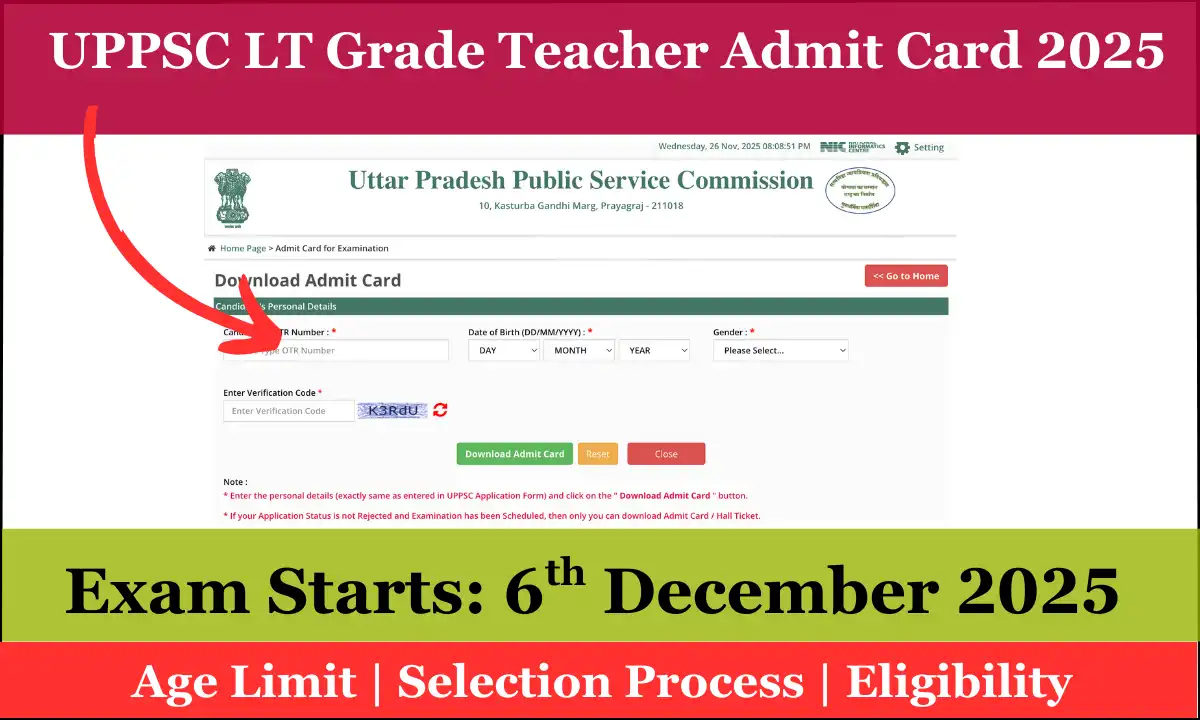
UPPSC LT Grade Teacher Admit Card 2025: UPPSC LT Grade Teacher Admit Card 2025: official subject-wise exam dates, how to download your admit card, what to carry on exam day, and FAQs. Check the official notice and download your e-admit. UPPSC LT Grade Teacher Exams are starting on 6th December 2025.
Overview – UPPSC LT Grade Teacher Admit Card 2025
UPPSC has published the subject-wise exam schedule for the LT (Licentiate Teacher / LT Grade Teacher) recruitment. Candidates should watch the official UPPSC website for the admit card / e-admit release. This post explains the exam dates published in the official notice, step-by-step instructions to download the admit card, important documents to carry, exam-day do’s & don’ts and answers to common questions. The subject-wise schedule below is taken from the official UPPSC notice.
Also Check: EMRS Exam Schedule 2025 Out: Teaching & Non-Teaching Tier-I Dates Announced
Official subject-wise exam dates & timings
| S.No | Subject | Exam date (2025) | Session | Time |
|---|---|---|---|---|
| 1 | गणित (Mathematics) | 06 December 2025 | First session | 09:00 AM — 11:00 AM |
| 2 | हिन्दी (Hindi) | 06 December 2025 | Second session | 03:00 PM — 05:00 PM |
| 3 | विज्ञान (Science) | 07 December 2025 | First session | 09:00 AM — 11:00 AM |
| 4 | संस्कृत (Sanskrit) | 07 December 2025 | Second session | 03:00 PM — 05:00 PM |
| 5 | गृहविज्ञान (Home Science) | 21 December 2025 | First session | 09:00 AM — 11:00 AM |
| 6 | वाणिज्य (Commerce) | 21 December 2025 | Second session | 03:00 PM — 05:00 PM |
How to download your UPPSC LT Grade Teacher admit card — step by step
- Open the official UPPSC website (look for the “Admit Card / Download Admit Card” link on the homepage).
- Click the relevant recruitment / exam name (LT Grade Teacher / Assistant Teacher).
- Enter the required credentials — usually Registration ID / Application number and Date of Birth (or as instructed).
- Submit and check your details on screen.
- Download the admit card (PDF) and take at least two colour printouts. Save a local copy for future reference.
- Read the instructions on the admit card carefully (reporting time, items allowed/prohibited, centre guidelines).
Important Links
| UPPSC LT Grade Teacher Download Admit Card | Click Here |
| Subject-wise exam notice | Exam Notice |
| Exam Notice | Notice |
| Official Website | UPPSC |

FAQs
Q I applied but can’t find the admit card link. What should I do?
Ans. Admit card links are activated in the “Admit Card” or recruitment page on the official UPPSC portal.
Q The admit card shows wrong name / date of birth. How to correct it?
Ans. Report the discrepancy immediately to UPPSC via their official contact channels (email / helpline). Provide proof (application copy, ID proof) and follow their instructions.
Q. What if I forget my registration number?
Ans. Use the “Forgot Registration No.” / candidate support option on the UPPSC site.